RuneVeil Network

Choose your server

Each server has its own progression, systems, and modpack. Choose the experience you want, install the matching pack, then connect with its address.

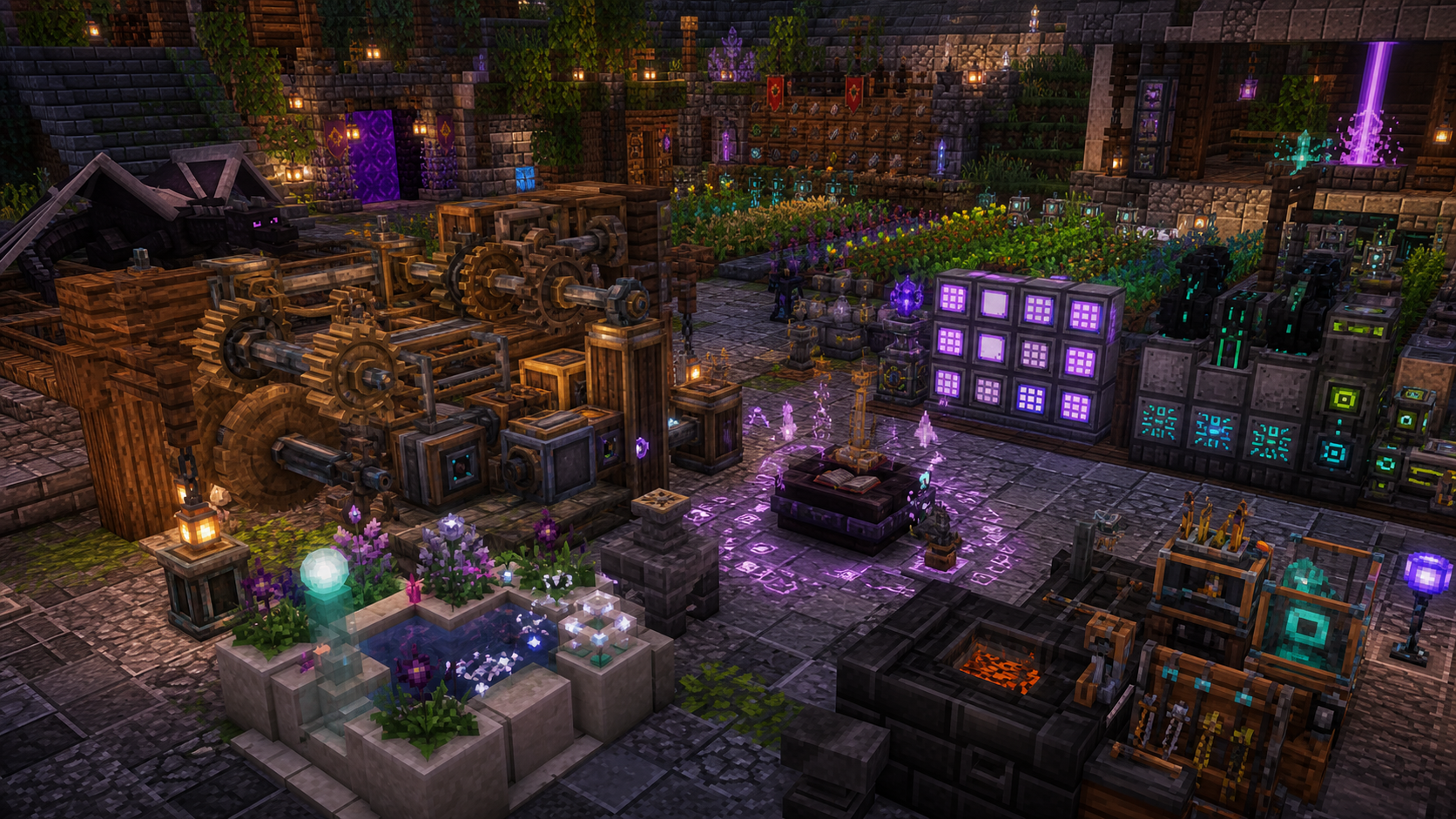
Magic Valley machinery, magic, crops, and storage systems Fantasy progression

Magic Valley

Build slowly across magic, technology, farming, exploration, and settlement progression.

  • Create and Mekanism
  • Ars and Botania
  • Farming and dimensions
Server address Magic-Valley.kinetic.host
Download Pack

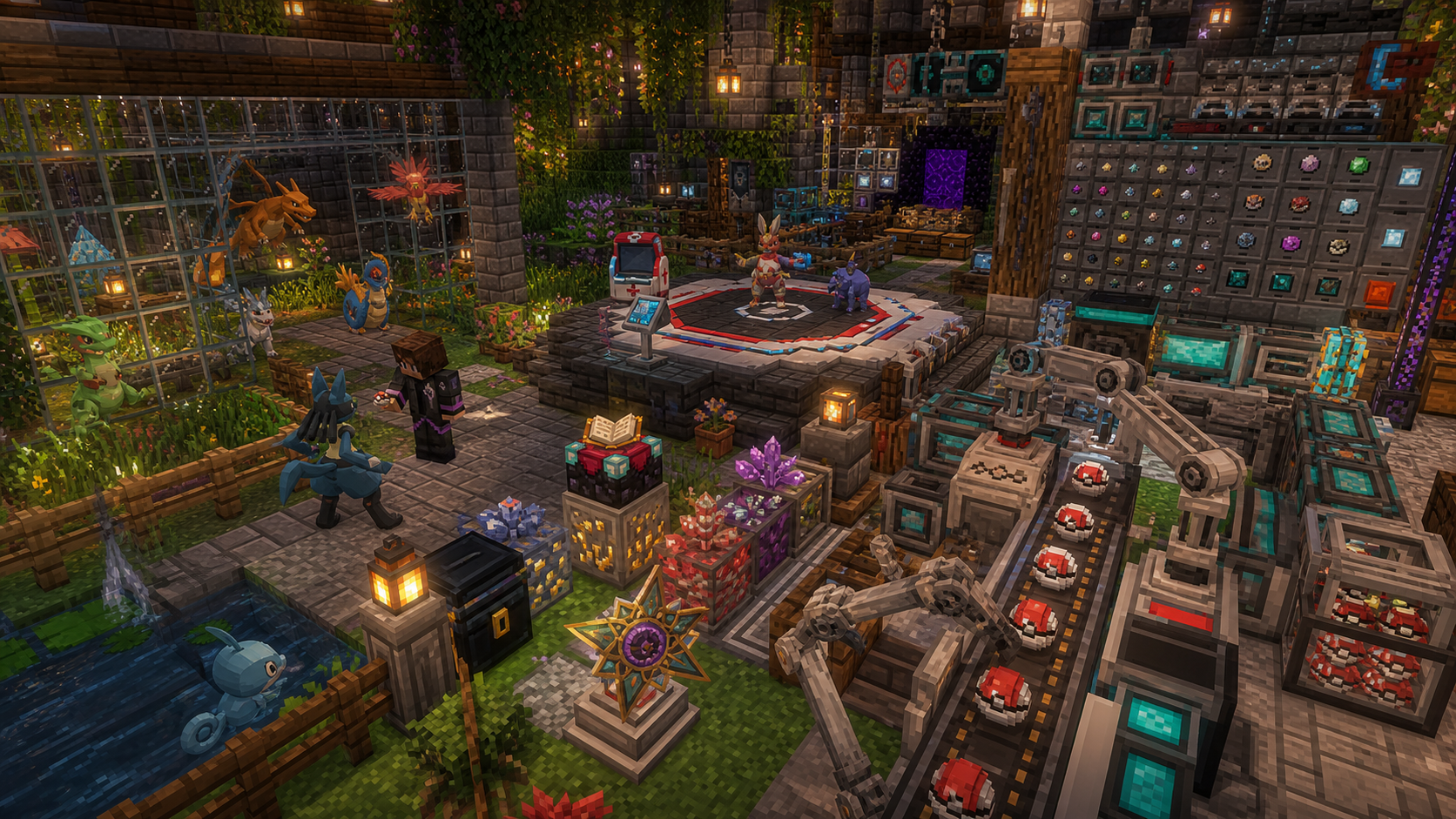
AllTheMons creatures, trainers, automation, and capture-ball production Cobblemon adventure

AllTheMons

Collect creatures while advancing through ATM10 technology, magic, automation, and competition.

  • Cobblemon and trainers
  • ATM10 progression
  • Automated capture crafting
Server address 135.148.52.143:25570
Download Pack

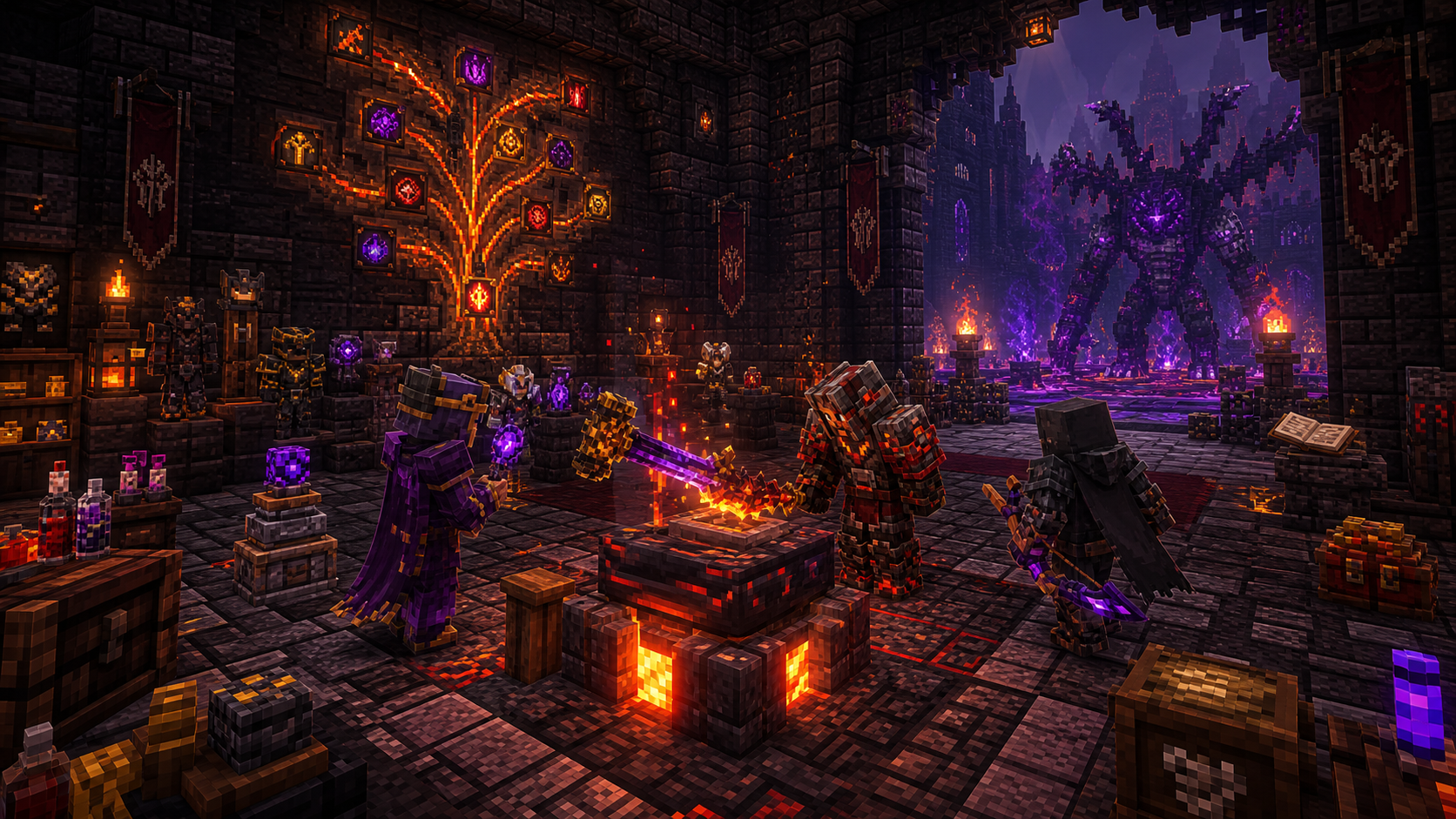
Prominence II adventurers forging artifacts before a Void boss Dark fantasy RPG

Prominence II

Push through a custom campaign of class builds, artifact forging, dangerous bosses, and Void pressure.

  • Flameborn campaign
  • Classes and artifacts
  • Mythic boss progression
Server address 135.148.52.143:25571
Download Pack

First connection

Three steps to join

The pack and address must match the same server.

  1. 01

    Pick a server

    Compare the systems above and choose the progression style that fits you.

  2. 02

    Install its pack

    Use the matching CurseForge link and launch the profile it creates.

  3. 03

    Copy its address

    Add the matching address in Multiplayer and connect through that profile.

Before you launch

Common questions

Which Minecraft version should I install?

Use the Minecraft and loader version included by the matching CurseForge profile. Do not create a separate profile manually.

Can I add my own client mods?

Performance, accessibility, and visual-only additions are generally fine. Check the Rules page before adding anything that changes gameplay or reveals hidden information.

What should I try after a crash?

Remove extra mods first, update Java and graphics drivers, then reinstall the latest pack profile. Discord support can help with remaining crash logs.

Will installing a pack overwrite local worlds?

No. CurseForge creates a separate profile. Backups are still recommended before updating an existing personal world.